PDFextreme Split
Split PDF Online for Free
Extract the pages you need from a PDF directly in your browser, without unnecessary uploads.
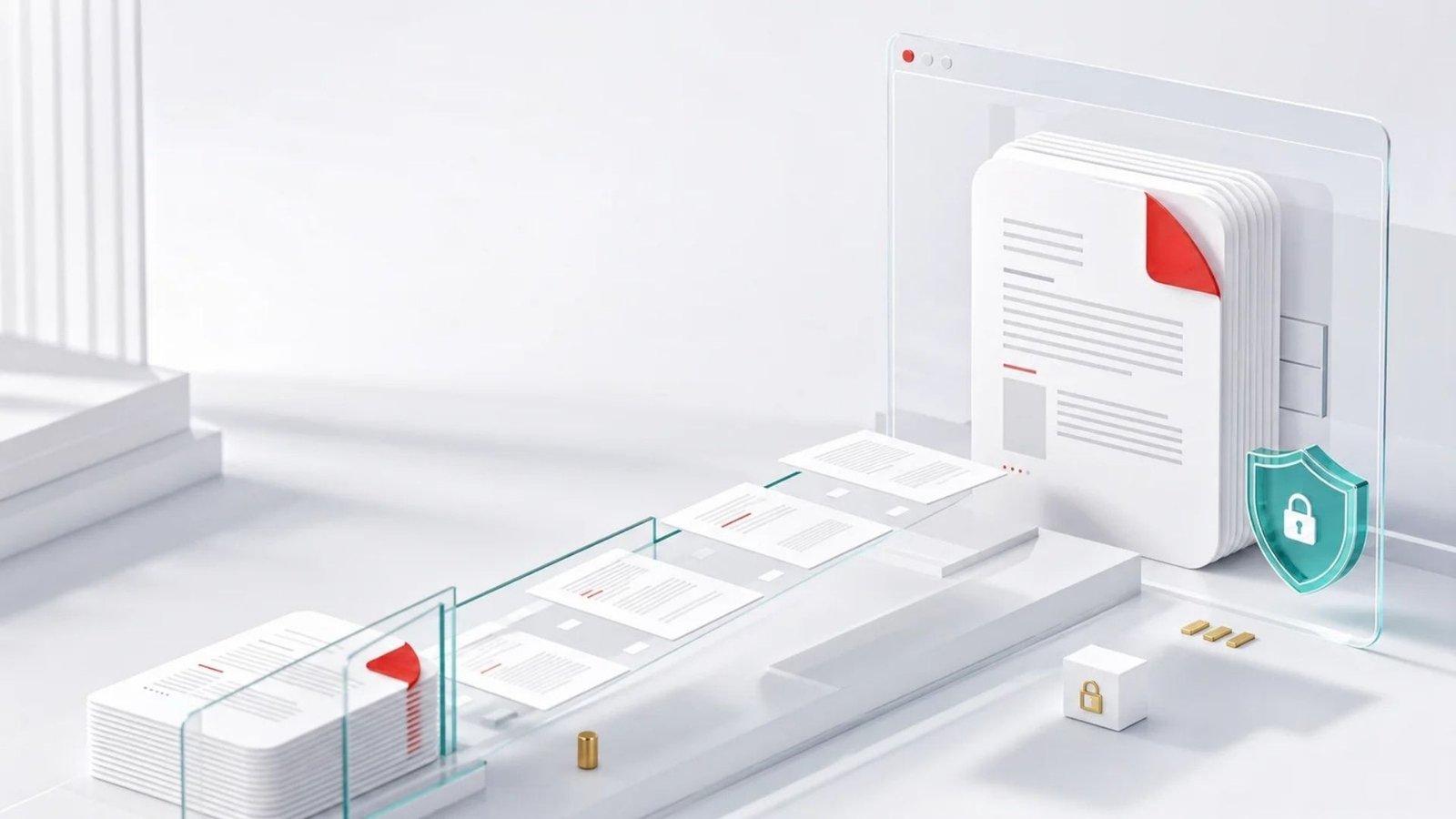
Your PDF is processed in your browser
With PDFextreme, this tool is designed to process files locally whenever possible. Your PDF does not need to be uploaded to our server to extract pages.
How to split PDF files
01
Select a PDF file.
02
Enter the pages or ranges you want.
03
Click the split button.
04
Download your new PDF.
Why use PDFextreme to split PDFs?
Free
Extract PDF pages without paying for the tool.
Fast
A focused workflow helps you create a new PDF quickly.
No installation
Use the split tool directly from your browser.
Browser-based
Supported processing runs on your own device.
Easy to use
Select, choose pages, split and download in a few steps.
Privacy-focused
Local processing helps avoid unnecessary uploads.