Free, fast and private PDF tools
Merge, split, organize, rotate and edit PDF files directly in your browser. No installation. No unnecessary uploads.
PDF tools for everyday document work
Choose a tool and work with your document through a focused, browser-friendly experience.
Merge PDF
Combine multiple PDFs into one organized document.
Split PDF
Extract pages or divide one PDF into smaller files.
Compress PDF
Reduce PDF file size while keeping documents clear.
Organize PDF
Reorder pages and prepare a cleaner document.
Rotate PDF
Turn PDF pages to the correct orientation.
Remove PDF Pages
Delete unwanted pages from a PDF document.
JPG to PDF
Turn JPG images into a single shareable PDF.
Add Watermark
Add a visible text or image watermark to a PDF.
PNG to PDF
Convert PNG images into a single shareable PDF.
PDF to JPG
Convert PDF pages into JPG images in your browser whenever possible.
PDF to PNG
Convert PDF pages into PNG images in your browser whenever possible.
Add Page Numbers
Add page numbers to PDF pages before sharing or printing.
Sign PDF
Add a visual signature to a PDF by drawing or uploading a signature.
Crop PDF
Crop PDF pages, trim margins and adjust the visible page area.
Edit PDF
Add text, images, drawings, highlights and simple annotations to a PDF.
Your documents stay with you
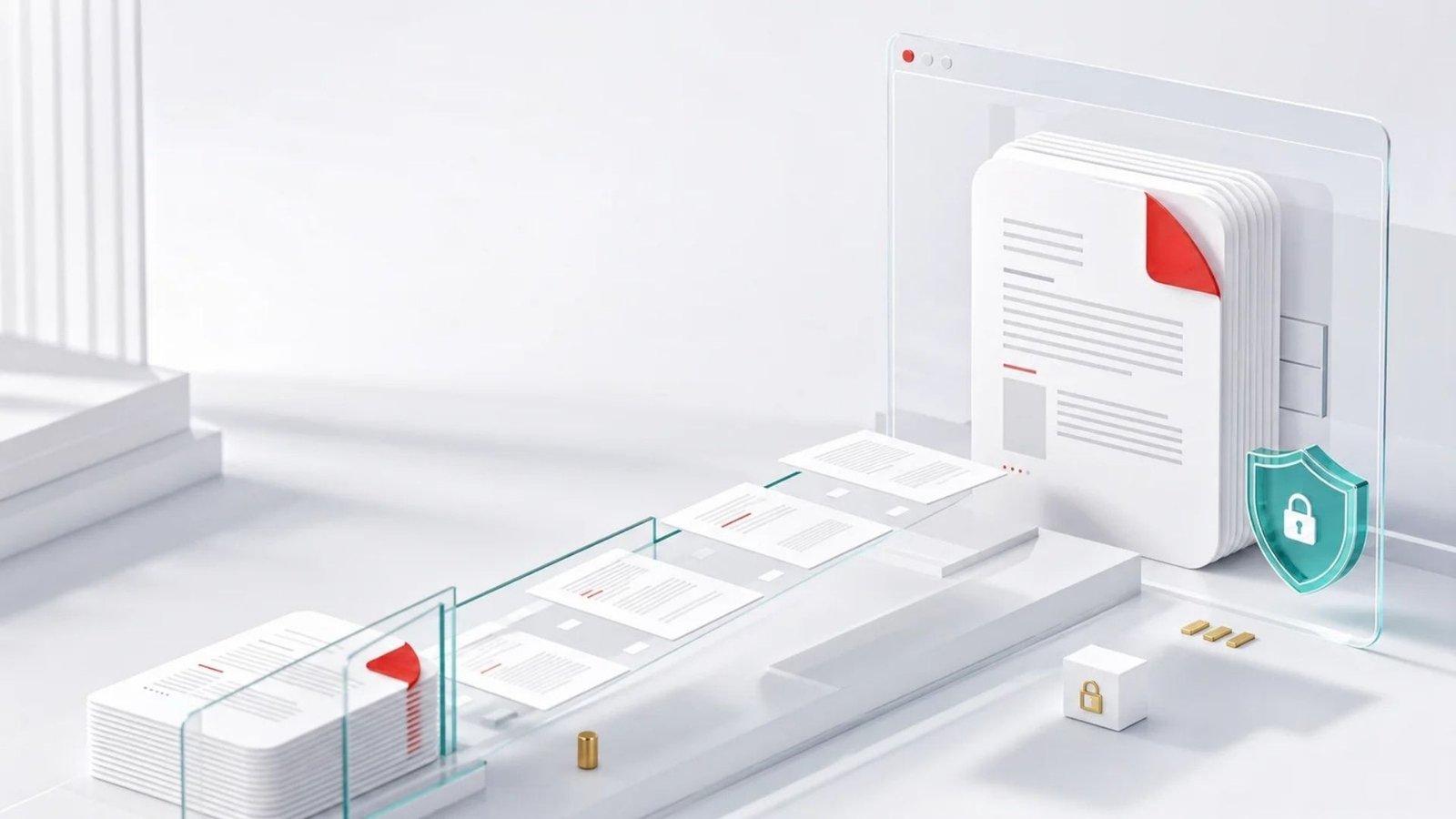
Whenever possible, PDFextreme processes your files locally in your browser. This helps reduce unnecessary uploads and gives users more privacy when working with documents.
Useful PDF tools without the friction
PDFextreme is designed to make common document tasks straightforward, accessible and more private.
Free to use
Access practical PDF tools without paying for basic tasks.
No sign-up required
Start working immediately without creating an account.
Browser-based tools
Process supported tasks directly in your web browser.
Simple interface
Clear controls keep document work focused and efficient.
Mobile-friendly
Use essential PDF tools across phones, tablets and desktops.
Built for privacy
Local processing helps avoid unnecessary file uploads.
How it works
A simple four-step flow keeps each task clear from start to finish.
Choose a PDF tool.
Select your file.
Process it in your browser.
Download the result.
Start working with your PDFs now
Choose a free PDF tool and get your document ready in seconds.