PDFextreme JPG to PDF
JPG to PDF Online for Free
Turn one or more JPG images into a PDF directly in your browser, without unnecessary uploads.
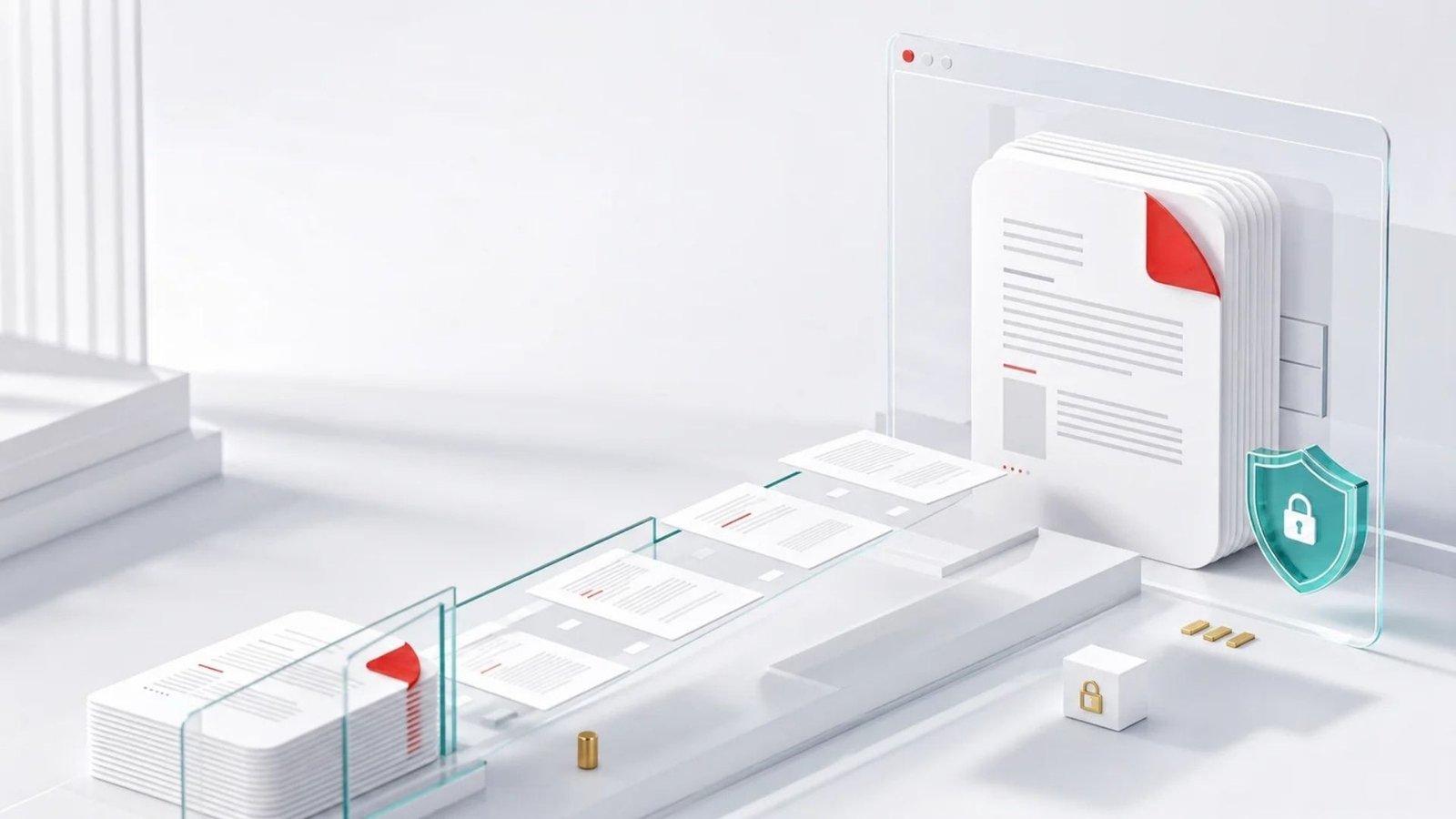
Convert JPG images to PDF
Add images, arrange their order, choose a page size and create one downloadable PDF.
Your images stay on your device
PDFextreme converts your JPG images locally in your browser whenever possible. The images do not need to be uploaded to our server.
How to convert JPG to PDF
01
Select one or more JPG images.
02
Arrange the images in the order you want.
03
Choose the PDF page size and margin.
04
Create and download your PDF.
Why convert JPG to PDF with PDFextreme?
Free
Create a PDF from JPG images without paying.
Fast
Combine multiple images in one focused workflow.
No installation
No software installation is required.
Browser-based
Supported conversion runs on your own device.
Easy to use
Preview, arrange and remove images before conversion.
Privacy-focused
Local processing helps avoid unnecessary uploads.
Frequently asked questions
Turn your images into one PDF
Arrange your JPG images and create a private PDF directly in your browser.