PDFextreme Compress
Compress PDF Online for Free
Reduce PDF file size directly in your browser, without unnecessary uploads or software installation.
Compress your PDF
Choose an optimization level based on whether you want to preserve document structure or prioritize a smaller visual file.
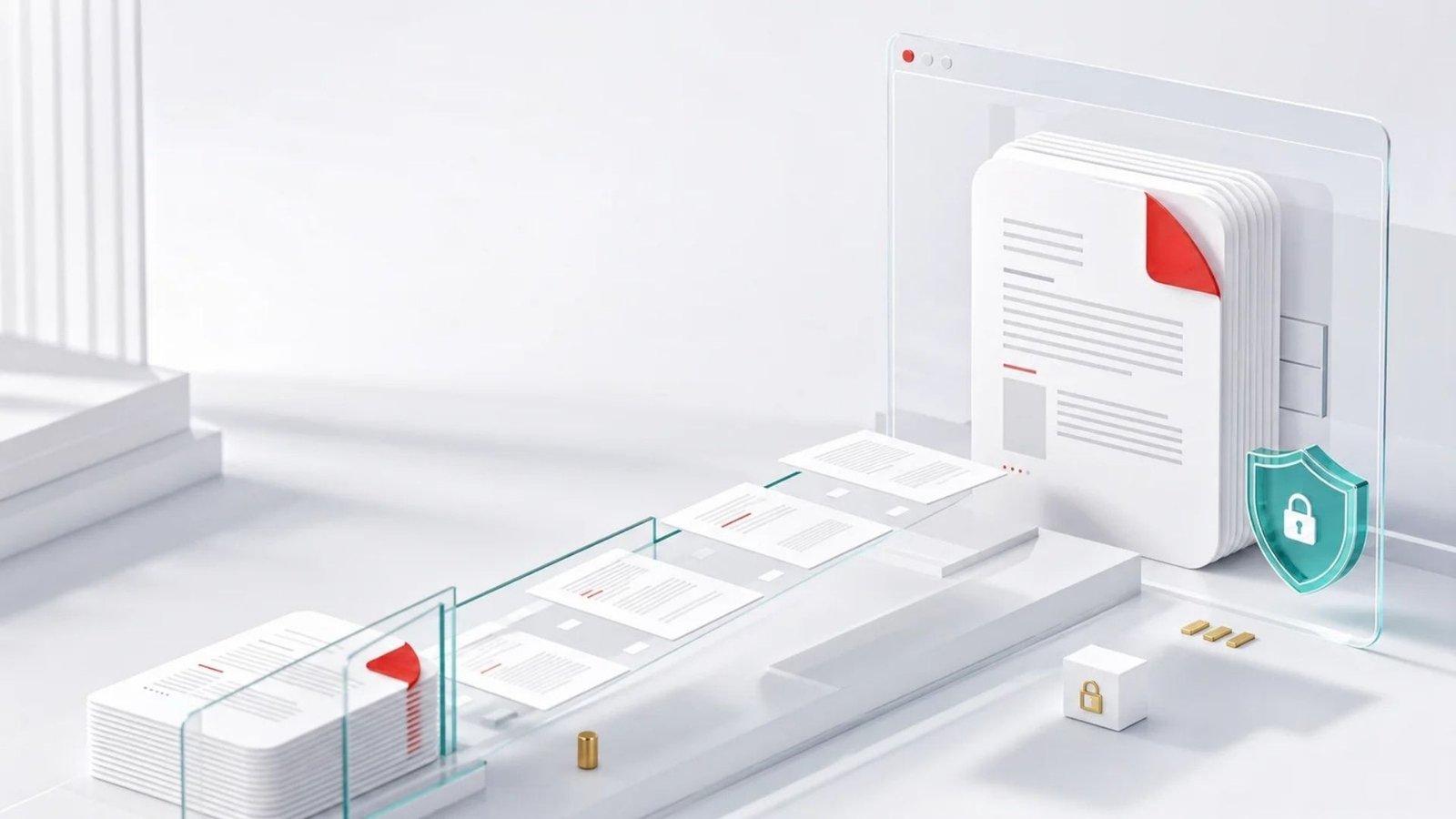
Your PDF is processed in your browser
PDFextreme compresses your document locally whenever possible. Your file does not need to be uploaded to our server.
How to compress a PDF
01
Select a PDF file.
02
Choose low, medium or high compression.
03
Click the compress button.
04
Download the compressed PDF.
Why compress PDFs with PDFextreme?
Free
Compress PDF files without paying for the tool.
Fast
Reduce file size through a focused browser workflow.
No installation
No software installation is required.
Browser-based
Supported processing runs on your own device.
Easy to use
Choose a level, compress and download in a few steps.
Privacy-focused
Local processing helps avoid unnecessary uploads.
Frequently asked questions
Make your PDF easier to share
Reduce the file size locally and download the optimized document in moments.