Edit PDF
Edit PDF files online with PDFextreme. Add text, images, drawings, highlights and simple annotations in your browser whenever possible.
Edit PDF Online
Select a PDF, choose a page, add new visual elements, and download the edited PDF. This tool does not directly rewrite existing PDF text like a word processor.
Your PDF is edited in your browser whenever possible
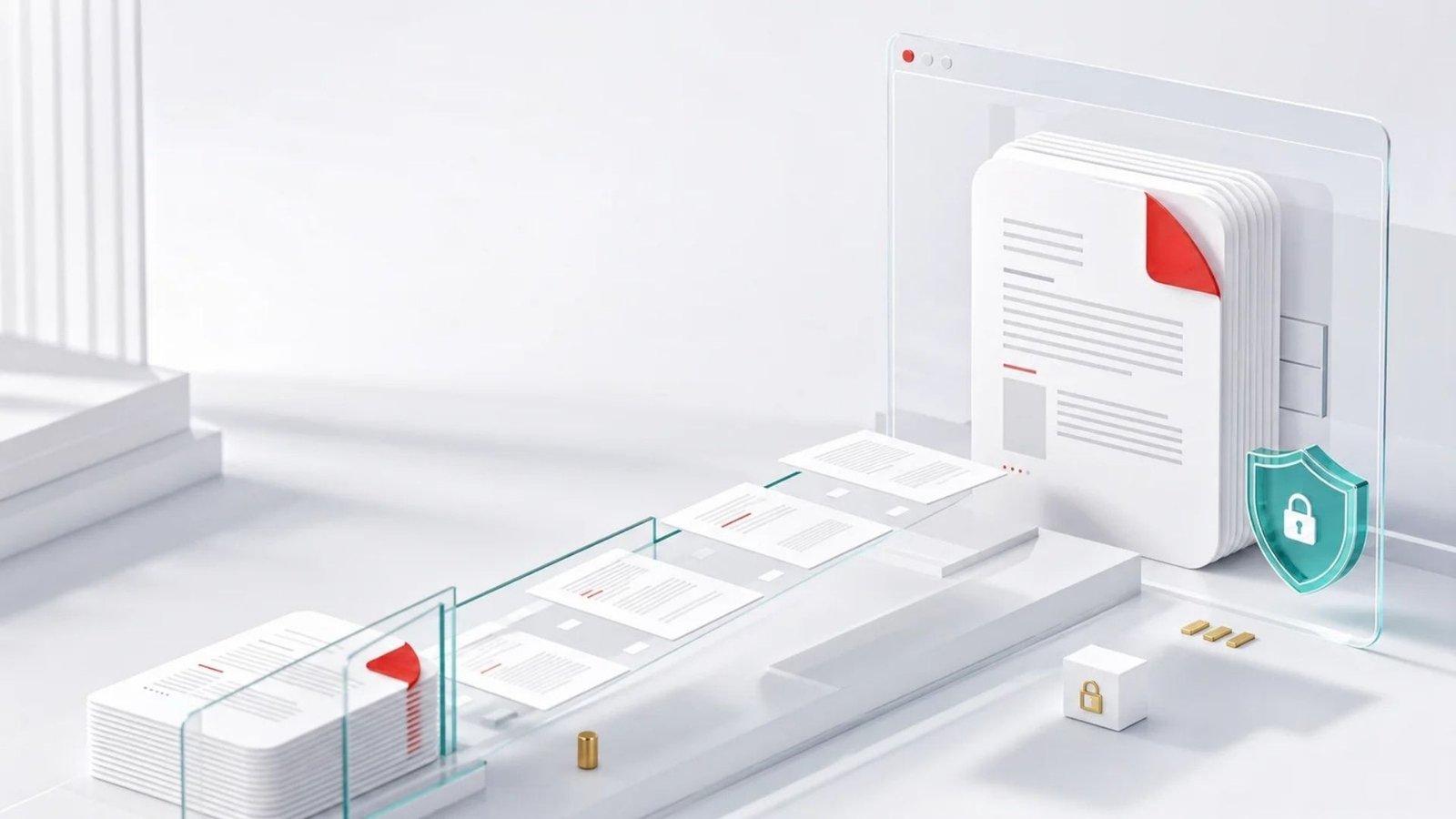
PDFextreme is designed to add supported visual edits to PDF files directly in your browser whenever possible. This can reduce unnecessary uploads and gives you more control over your document workflow. Performance may depend on your browser, file size and device.
How to edit a PDF
Select a PDF file.
Choose the page you want to edit.
Add text, images, drawings, highlights, shapes or lines.
Download the edited PDF.
Why use PDFextreme to edit PDF files?
Free
Add visual edits and annotations without paying for the tool.
Browser-based
Supported editing runs in your browser whenever possible.
Visual edits
Add new text, images, drawings, highlights, rectangles and lines.
Multiple pages
Add edits on one page or across different pages before exporting.
No installation
Use the tool directly from your browser.
Clear limits
This tool adds visual layers; it does not directly rewrite existing PDF text or provide secure redaction.
Frequently asked questions
Edit PDF files online
Add text, images, drawings, highlights and simple annotations directly from your browser whenever possible.